
QR identification
Scan an animal's QR label with a phone camera to open its record immediately.
Resource Generation and Management Office
ADSSU BAP is the Biological Assets Property Card System of Agusan del Sur State University. It keeps a complete, auditable record of the university's livestock, including cattle, goats, and sheep, from registration through monitoring, health care, inventory, and disposition.
Access is limited to authorized ADSSU personnel.
Also available as an Android and Windows app that works without internet. Download
Asset lifecycle
Each stage of an animal's life is recorded against its property card, creating a continuous and verifiable history.
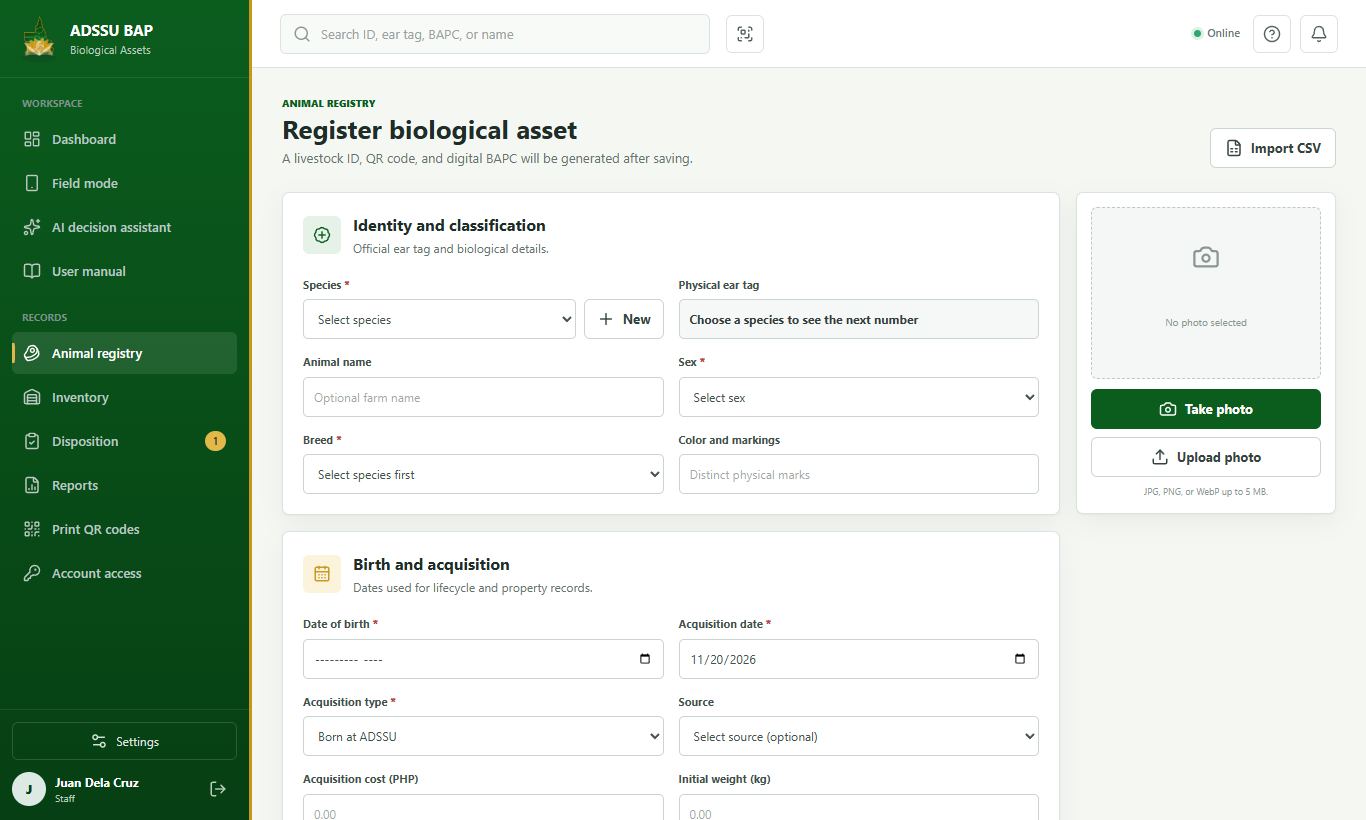
Each animal is assigned a livestock ID, a BAPC number, and a printable QR label.
Field staff record weight, body condition, temperature, and health status.
Checkups, vaccinations, deworming, and treatments are logged with follow-up dates.
Live counts by species, sex, lifecycle stage, and status.
Sales, transfers, mortality, and losses are finalized only upon administrator approval.
System capabilities
ADSSU BAP supports administrative work at the office as well as data collection on the farm.
Scan an animal's QR label with a phone camera to open its record immediately.
Generate a complete, printable Biological Assets Property Card for any registered animal.
Species-specific stages, such as calf, yearling, and adult, are configured by administrators.
Entries made without a connection are kept on the device and synchronized once it returns.
Charts, inventory summaries, and CSV exports support regular reporting.
Decision support for authorized personnel, grounded in a summary of current records.
Governance and accountability
Every entry is attributable to a user, and changes to an animal's status follow a defined review process.
Separate administrator and staff accounts, each limited to its assigned functions.
Disposition requests take effect only after an administrator reviews and approves them.
Recorded actions are logged with the responsible user, the action taken, and the time.
Administrators are alerted to pending dispositions and critical health records.
User manual
Animated guides on the real screens, from registering an animal to approving dispositions and printing the property card. Pick the guide for your role.
Download
Install ADSSU BAP on your phone or computer. It opens in its own window, keeps working when the signal drops, and sends your records to the central database by itself once you are back online.
Android app (APK) · 2.0 MB
Android shows a warning for any app that does not come from the Play Store. This is the official ADSSU BAP app. It uses Google Chrome, so keep Chrome up to date.
SHA-256 720e218a26b4238644602b53974c0cb0be20ea1eb8f0fb84e9b89736df46f78c
Windows 10 or 11 (EXE) · 94 KB
Windows shows that warning for any new app it has not seen before. This is the official ADSSU BAP app. It needs Microsoft Edge or Google Chrome, which most computers already have.
SHA-256 5b07223d790d59216a29bb0298dd8067eb370deb668c88db672b1293156e8d9d
No download needed
Add ADSSU BAP to your Home Screen or Dock straight from your browser. It opens in its own window and works offline just the same.
Show me howSign in once while you have internet so the app can save your animals on the device. After that you can use it offline.
Staff register with their ADSSU email, choose the animals they handle, and sign in with Google or with a password plus a code we email them once an administrator approves them.